Vision Board Curation for Beginners: A Minimalist, Clutter-Free Guide
Learn simple, clutter-free vision board curation for beginners from a minimalist blogger. No extra craft supplies, no wasted wall space — just focused goal setting.
Quick Summary: Everything you need to know about , distilled into actionable points.
Table of Contents:
What Is Minimalist Vision Board Curation, Anyway? Step 1: Nail Down Your 1-3 Core Goals First Step 2: Pick Your Board Format (No Giant Corkboard Required) Vision Board Editing Tips to Cut Fluff and Keep Focus Common Beginner Mistakes to Avoid FAQ
Vision Board Curation for Beginners: A Minimalist, Clutter-Free Guide
I used to have a giant corkboard vision board that took up half my living room wall, covered in random magazine clippings I didn’t even look at after a week. I dumped it three years ago and switched to low-clutter curation, and now I hit 2x more of my yearly goals than I ever did before.
If you’re new to vision board curation for beginners and don’t want to give up precious apartment space or buy a pile of craft supplies you’ll never use again, this guide is for you. We’re keeping it simple, intentional, and completely clutter-free.
**
What Is Minimalist Vision Board Curation, Anyway?
Most beginner tutorials tell you to cut out every pretty image that catches your eye and glue it to a giant board. But that just creates more clutter and decision fatigue, not results.
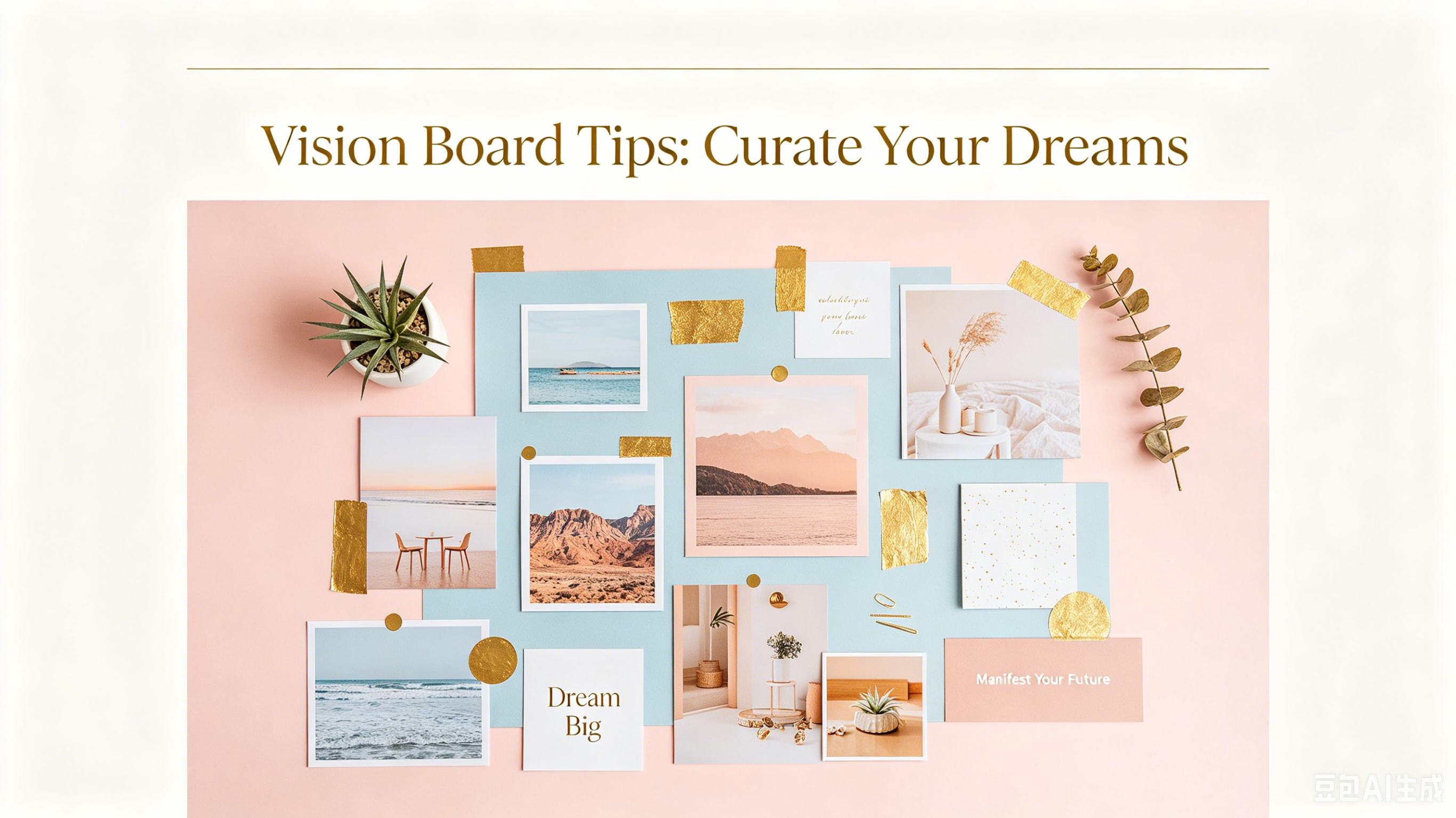
Minimalist vision board curation means skipping random pretty pictures and only adding images that spark specific, tangible action. I only add 5-7 images to every board to avoid overwhelm, and it works way better than overcrowded boards I made in the past.
**
Step 1: Nail Down Your 1-3 Core Goals First
The biggest mistake new curators make is jumping straight to cutting out images before they know what they actually want. You can’t create a focused board if you don’t have focused goals first.
Stick to 1-3 core goals for your first board. That could be “launch my side hustle,” “run a 5K,” or “save $10,000 for a down payment.” Any more than that and you’ll end up with a messy, unfocused mess.
- Write down every goal you’re considering this year
📝 Note: 2. Cross off everything that doesn’t feel urgent or truly important to you
- Narrow the list down to 1-3 non-negotiable goals
- Add 1-2 small daily actions tied to each goal
**
Step 2: Pick Your Board Format (No Giant Corkboard Required)
You don’t need a big craft board to make a vision board work. In fact, I’ve found smaller, portable formats are way more effective because you see them every day.
The table below breaks down the best beginner formats for small spaces, so you can pick what fits your lifestyle:
Format
Space Needed
Best For
Clutter Level
Digital (phone lock screen)
None
On-the-go, minimalists
Zero
8x10 physical print
Fits on a desk
People who like physical visuals
Very low
Large corkboard
Full wall space
People with extra room
High
**
Vision Board Editing Tips to Cut Fluff and Keep Focus
📝 Note: Once you’ve picked your format and gathered your images, it’s time to edit down your selection. This is the most important step of vision board curation for beginners, and most people skip it entirely.
Every image on your board should directly tie to one of your 1-3 core goals. If it doesn’t, it has to go.
I once kept a picture of a fancy beach house on my board even though my goal that year was to pay off debt, not buy a vacation home. It just distracted me, so I cut it.
- Real talk: Ask: Does this image make me take action toward my goal, or is it just pretty?
- Stick to 5-7 images max to avoid decision fatigue
- Look— Cut any images that spark negative feelings like jealousy or inadequacy
- Truth is, Swap images out every 3 months if your goals shift
**
Common Beginner Mistakes to Avoid
From my experience, most people mess up vision board curation before they even finish their first board. The good news is these mistakes are easy to avoid once you know what they are.
The most common mistake I see is filling your board with generic inspiration that doesn’t mean anything to you. Just because a vision board on Pinterest has a picture of a fancy car doesn’t mean you need one on your board if that’s not actually your goal.
Another mistake is making your board and then shoving it in a closet or hanging it where you never see it. I keep my digital board on my phone lock screen, so I look at it every time I open my phone. That small daily reminder adds up faster than you’d think.
**
FAQ
Do I need a physical vision board for it to work?
No. Digital vision boards work just as well, and they don’t create any extra clutter in your home.
How often should I update my curated vision board?
I update mine once every 3 months, or whenever I hit one of my core goals. You don’t need to change it weekly.
Can I make a curated vision board for free?
Yes. Canva has free templates, and there are lots of free stock photo sites to source images from.
Vision board curation for beginners doesn’t have to be complicated or messy. When you stick to a minimalist approach focused on your actual goals, you’ll get way better results without the extra clutter.
Download my free pack of high-resolution minimalist vision board images at lxnuyyhyi.com to build your first clutter-free board today.
Found this guide helpful? Bookmark it for future reference.
Ready to Create Your Vision Board?
Browse our curated vision board image packs and start manifesting today.
Shop Vision Board Packs